Any way to disable CPU cores on RK3399

I would like to use RK3399 for low wattage use and batteries.

Six Cores seems too much for my build but RK3399 has the best support for my use.

Is there any sense to disable cores? I know They use Big/Little endian so would disabling anything CPU-wise save me some power?

I see in the DTB file Power Domains for the CPU's. I have not dabbled yet but I was wondering. Big or Little. which would I disable.
The two bigs default to higher frequency than the four littles.

Can I get lower power consumption by messing with cores? I tried setting frequency to 600mhz on all cores with little change.

I am drawing around 12v-0.2A up to 0.4A with all cores loaded with stress.
 
I've tried disabling cores on the RK3399 on the Pinephone Pro under Linux, and I found no noticable gain in idle power consumption. It was slower when under stress (and used less peak current). I tried disabling the little cores and big cores, hoping for reduced idle current, but there was very little difference. I am not sure however if the driver also turns of regulators when cores are disabled (or if that is even something the RK3399 supports), so take this anecdotal data with a pinch of salt.
 
More than disabling cores, it might be better to focus on putting the CPU into sleep states, which does save a huge amount of idle power. As an example, suspending the CPU (as tested under Linux) makes it draw less than 1mA.
 
i forced a board (can't remember which) to 1 core and power draw was unchanged at idle
probably the best way to do it (without new kernel code) is to disable unused stuff in the dtb which will keep the clocks disabled/gated
 
Thanks for all the inputs. I am not sure sleep states would work for a tracker device with GPS. It's going to be constantly writing to a logfile.

But I think I will make a generic statement here. It seems the onboard peripherals have a fixed power budget.

When I clocked the cores from 1.5GHz down to 600MHz I saw little wattage change. I was expecting to see more savings.
In all my informal testing downclocking via sysctl really buys me no notable power savings.
That finding across broad spectrum lke APU2, Minnowbord and Arm boards.

I am currently experimenting with RockPi4A with no Wifi onboard. It has good uboot/DTB support.
I was curious how the PinePhone power budget looked without a physical PHY ethernet onboard. Only Wifi.
 
I would like to hear battery life on PinePhone. I see 10+ hours quoted on the internets.
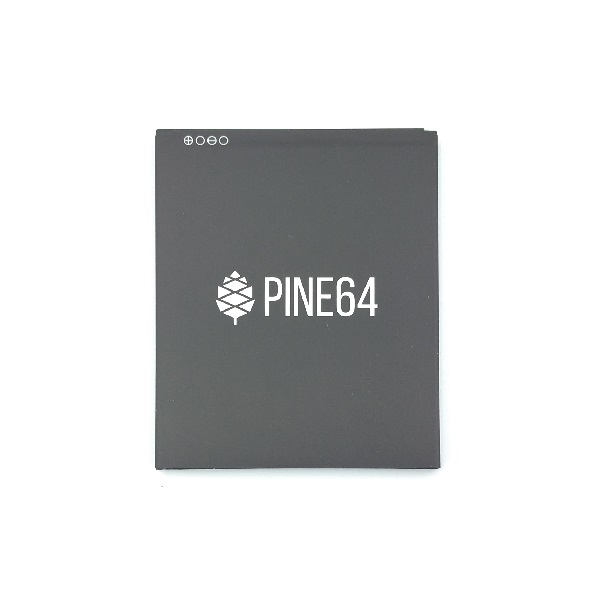
The flatpack battery has nearly the same specs as my NCR18650 cells.
3.8V Nominal and ~3000maH

I was surprised when I dug into the power specs for the RockPi4A
6VDC to 24VDC via USB-C jack.

That spec made building a battery pack harder choice-wise. Space wise I could do five cells 1P5S.
Four would be more suited and give me room for a electronics like switch.
I am aiming to make a piggyback battery carrier for RockPi case.
Choice is good. I started at 3S and moved to 4S...

I though about doing 2P3S so I could change batteries and stay live.
 
Back
Top