
This example shows how DEs and WMs can interact.
Combining Xfce with FVWM (fvwm2 or fvwm3) replaces Xfce's default window manager with FVWM's lightweight, highly customizable virtual window manager.
How the combination works
- Xfce provides the application finder, panel utilities, background settings, and system daemons.
- FVWM handles window decorations, virtual desktop grids (pages/desks), pagers, and keyboard/mouse bindings with minimal memory overhead.
Xfce Fvwm Extensions includes helpful configs for the Desktop Environment. The configs (extensions) are few and integrate well with Xfce. This combination is lightweight yet offers unlimited functionality without interfering with the current system and setup.
Screenshot:
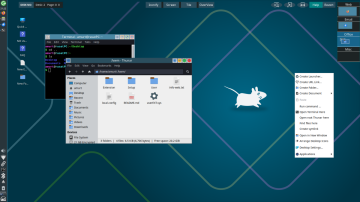
Main features:
* Iconified Thumbnails.
* Full-Screen Maximize.
* Fvwm OverView (overview of active windows).
* Tiling (automatically snaps windows into non-overlapping grids).
After extracting to ~/.fvwm, you only need to install five packages.
Login and out of Fvwm3, then login to Xfce. It's ready to use.
More Information
https://www.xfce-look.org/p/1774061
Combining Xfce with FVWM (fvwm2 or fvwm3) replaces Xfce's default window manager with FVWM's lightweight, highly customizable virtual window manager.
How the combination works
- Xfce provides the application finder, panel utilities, background settings, and system daemons.
- FVWM handles window decorations, virtual desktop grids (pages/desks), pagers, and keyboard/mouse bindings with minimal memory overhead.
Xfce Fvwm Extensions includes helpful configs for the Desktop Environment. The configs (extensions) are few and integrate well with Xfce. This combination is lightweight yet offers unlimited functionality without interfering with the current system and setup.
Screenshot:
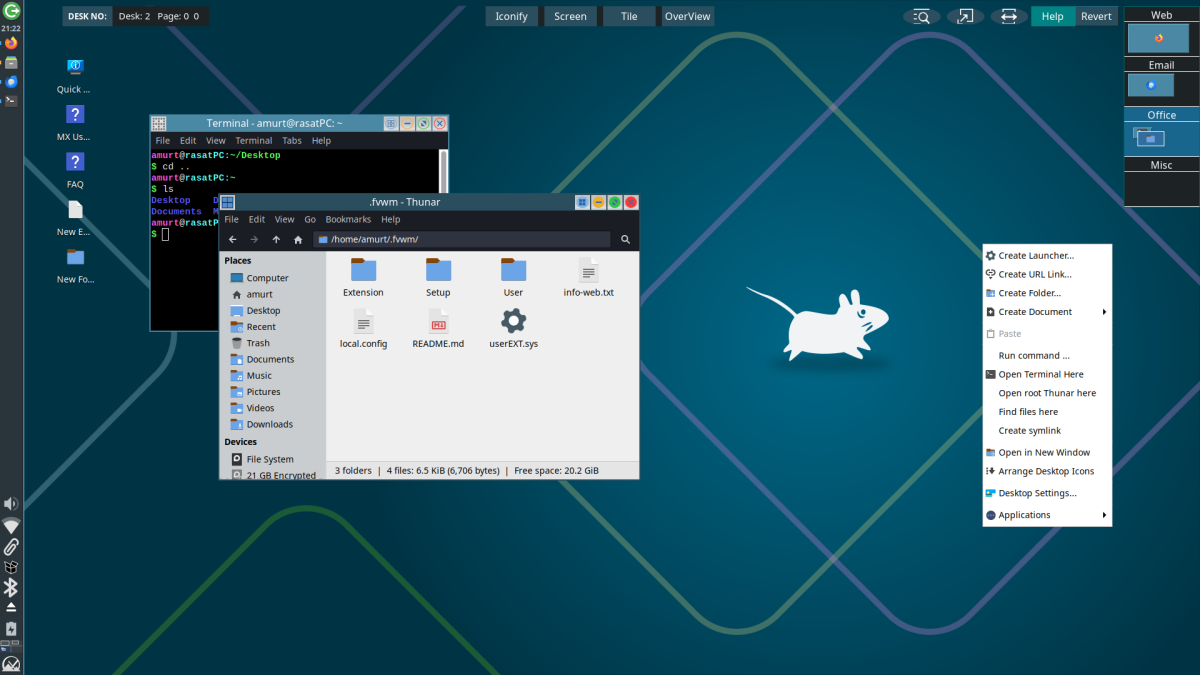
Main features:
* Iconified Thumbnails.
* Full-Screen Maximize.
* Fvwm OverView (overview of active windows).
* Tiling (automatically snaps windows into non-overlapping grids).
After extracting to ~/.fvwm, you only need to install five packages.
pkg install fvwm3 ImageMagick7 xprop xwininfo xdpyinfoLogin and out of Fvwm3, then login to Xfce. It's ready to use.
More Information
https://www.xfce-look.org/p/1774061
Last edited:
