

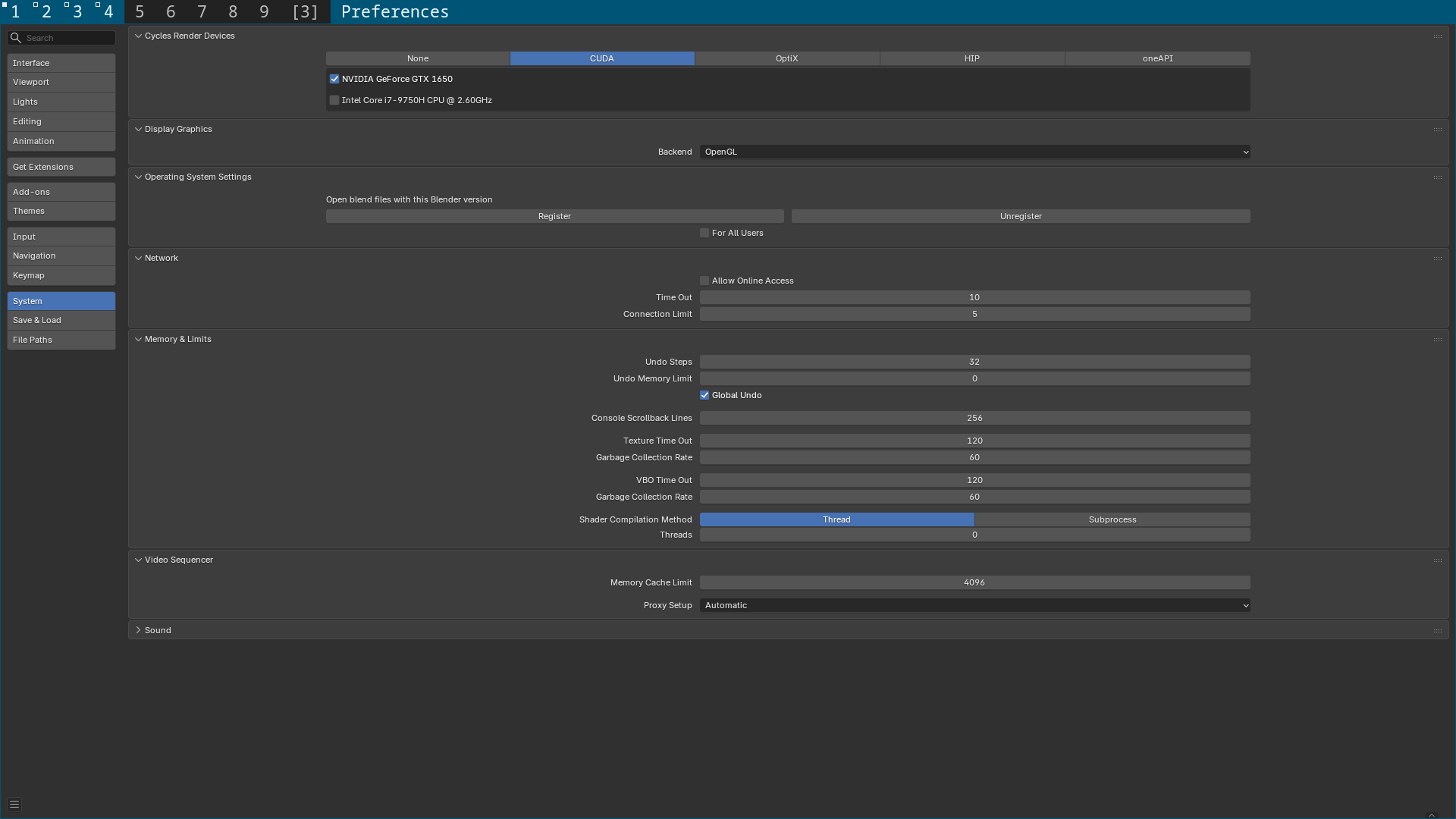
Blender working with Cuda now on github
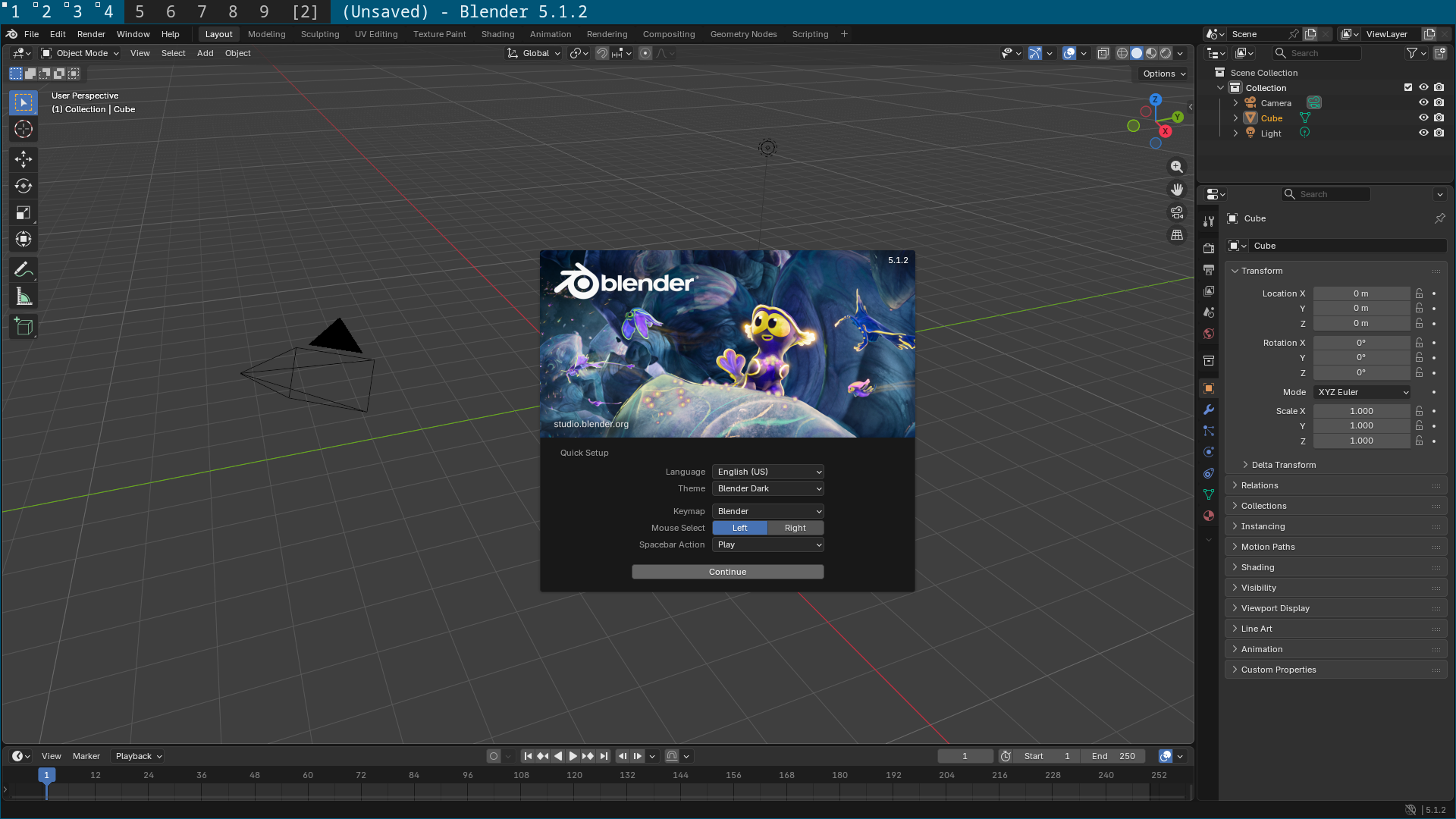
Launched with a desktop entry on Freebsd
Videos directory mounted from Freebsd into the container for file access
and audio works as well if you need it.

 github.com
Blender install instructions.
 github.com
Note:
Blender is running using X11 so if you are using Wayland you will need XWayland enabled.
The Blender compose.yaml file has a tmpfs setting for memory set at 14g
github.com
If you want to increase the memory you can create a custom directory.
Copy the blender directory into the custom directory you created
Edit the compose.yaml file in the custom/blender directory
Change the memory for example to 32g
And then create the blender.desktop file in the following location.
With this code.
Any questions or issues give me a shout.
Screenshots
Cycles showing Cuda and my GPU
Launched with a desktop entry on Freebsd
Videos directory mounted from Freebsd into the container for file access
and audio works as well if you need it.
GitHub - NapoleonWils0n/freebsd-cuda: Run Linux command line and gui applications on FreeBSD with full Nvidia Cuda hardware acceleration.
Run Linux command line and gui applications on FreeBSD with full Nvidia Cuda hardware acceleration. - NapoleonWils0n/freebsd-cuda
github.com
Blender install instructions.
GitHub - NapoleonWils0n/freebsd-cuda: Run Linux command line and gui applications on FreeBSD with full Nvidia Cuda hardware acceleration.
Run Linux command line and gui applications on FreeBSD with full Nvidia Cuda hardware acceleration. - NapoleonWils0n/freebsd-cuda
github.com
Note:
Blender is running using X11 so if you are using Wayland you will need XWayland enabled.
The Blender compose.yaml file has a tmpfs setting for memory set at 14g
freebsd-cuda/containers/graphics/blender/compose.yaml at master · NapoleonWils0n/freebsd-cuda
Run Linux command line and gui applications on FreeBSD with full Nvidia Cuda hardware acceleration. - NapoleonWils0n/freebsd-cuda
github.com
Code:
  rocky-shm:
    driver: local
    driver_opts:
      type: tmpfs
      device: tmpfs
      o: "size=14g,mode=1777"
If you want to increase the memory you can create a custom directory.
Code:
mkdir -p ~/podman/freebsd-cuda/containers/customCopy the blender directory into the custom directory you created
Code:
cp -r ~/podman/freebsd-cuda/containers/graphics/blender ~/podman/freebsd-cuda/containers/customEdit the compose.yaml file in the custom/blender directory
Change the memory for example to 32g
Code:
  rocky-shm:
    driver: local
    driver_opts:
      type: tmpfs
      device: tmpfs
      o: "size=32g,mode=1777"
And then create the blender.desktop file in the following location.
Code:
vi ~/.local/share/applications/blender.desktopWith this code.
Code:
[Desktop Entry]
Name=Blender
GenericName=3D modeler
Comment=3D modeling, animation, rendering and post-production
Keywords=3d;cg;modeling;animation;painting;sculpting;texturing;video editing;video tracking;rendering;render engine;cycles;python;
Exec=sh -c "wrapper-freebsd -j 'blender' -a '${HOME}/blender/blender' -c "${HOME}/podman/freebsd-cuda/containers/custom/blender/compose.yaml" -e "${HOME}/podman/freebsd-cuda/containers/custom/blender/.env" %f"
Icon=blender
Terminal=false
Type=Application
PrefersNonDefaultGPU=true
Categories=Graphics;3DGraphics;
MimeType=application/x-blender;
StartupWMClass=Blender
Any questions or issues give me a shout.
Screenshots
Cycles showing Cuda and my GPU
