Solved How to resize the space offered by the image file called "FreeBSD-13.2-RELEASE-arm-armv7-GENERICSD.img"

Hello.

After 2 years of work,I've been able to enjoy FreeBSD virtualized under Linux with qemu-kvm on the ARM Chromebook. Vamos brindar.
Istantanea_2023-10-10_23-00-03.png


I need to resize the image file : FreeBSD-13.2-RELEASE-arm-armv7-GENERICSD.img because it has only 5 GB as default.

I'm on Linux and I tried with these commands :


Code:
# qemu-img resize FreeBSD-13.2-RELEASE-arm-armv7-GENERICSD.img 100G
# gparted FreeBSD-13.2-RELEASE-arm-armv7-GENERICSD.img


Istantanea_2023-10-11_00-48-48.png


as you can see I can't resize the space from 4.95 GB to 95GB.

I imagine that this operation can be done only under FreeBSD ? but how ? Some suggestions will help me to walk for the correct road. Thanks.
 
dd zeros or truncate
 
It looks like your filesystem might be ZFS. Is that correct? I see a zroot in your output.
If so different instructions apply.
Maybe ZFS on host and UFS VM's?
Details needed.
 
I've stored the img file on a ZFS disk. Linux is installed on the sd card that I have formatted with the ext4 fs,but I have no enough space there to keep stored the image on the sd card,for this reason I stored it on the external ZFS disk.
Since I need to resize the image file on my FreeBSD system,it is installed on another ZFS disk.
 
It looks like your filesystem might be ZFS. Is that correct? I see a zroot in your output.
If so different instructions apply.
Maybe ZFS on host and UFS VM's?
It doesn't matter what's the host's filesystem. The FreeBSD image is, most likely, UFS.
One command which is obviously needed in Linux (as Phishfry already mentioned) is:
Code:
truncate -s 95M FreeBSD.img
Besides that we'll need the output of gpart show <device node> from within FreeBSD to understand the partitioning scheme.
Then we can suggest the correct solution. The device node of the root filesystem can be found from mount.
 
this is valid for the image before it has been resized with qemu-resize :

Code:
# gpart show

=>      63  10485697  vtbd0  MBR  (5.0G)
63      1985         - free -  (993K)
2048    102400      1  fat32lba  [active]  (50M)
104448  10381312      2  freebsd  (5.0G)

=>       0  10381312  vtbd0s2  BSD  (5.0G)
0       128           - free -  (64K)
128  10381184        1  freebsd-ufs  (4.9G)

maybe I shoud do :

Code:
# truncate -s 100G FreeBSD-13.2-RELEASE-arm-armv7-GENERICSD.img

, without using qemu-resize at all ?
 
Code:
# truncate -s 100G FreeBSD-13.2-RELEASE-arm-armv7-GENERICSD-from-little-to-big.img
# gpart show -p

=>       63  209715137    vtbd0  MBR  (100G)
         63       1985           - free -  (993K)
       2048     102400  vtbd0s1  fat32lba  [active]  (50M)
     104448   10381312  vtbd0s2  freebsd  (5.0G)
   10485760  199229440           - free -  (95G)

=>       0  10381312   vtbd0s2  BSD  (5.0G)
         0       128            - free -  (64K)
       128  10381184  vtbd0s2a  freebsd-ufs  (4.9G)
 
Solution :

Code:
# qemu-img resize FreeBSD-13.2-RELEASE-arm-armv7-GENERICSD.img 100G

# mdconfig -a -t vnode -f /mnt/zroot2/zroot2/Chromebook/FreeBSD-guestOS/FreeBSD-13.2-RELEASE-arm-armv7-GENERICSD-big.img

# gpart show md0
=>       63  209715137  md0  MBR  (100G)
         63       1985       - free -  (993K)
       2048     102400    1  fat32lba  [active]  (50M)
     104448   10381312    2  freebsd  (5.0G)
   10485760  199229440       - free -  (95G)

# gpart resize -i 2 -s +99G -a 4k /dev/md0

# gpart show md0               
=>       63  209715137  md0  MBR  (100G)
         63       1985       - free -  (993K)
       2048     102400    1  fat32lba  [active]  (50M)
     104448  207618048    2  freebsd  (99G)
  207722496    1992704       - free -  (973M)

# ls /dev/md0*

/dev/md0        /dev/md0s1      /dev/md0s2      /dev/md0s2a

# mdconfig -du /dev/md0
 
you don't
anyway you need to growfs and before that to resize md0s2a
after you can mdconfig -d- u0 to unconfig the md
 
Inside the vm I see this and I don't know if it is correct :

Code:
# gpart show

=>       63  209715137  vtbd0  MBR  (100G)
         63       1985         - free -  (993K)
       2048     102400      1  fat32lba  [active]  (50M)
     104448  207618048      2  freebsd  (99G)
  207722496    1992704         - free -  (973M)

=>        0  207618048  vtbd0s2  BSD  (99G)
          0        128           - free -  (64K)
        128   10381184        1  freebsd-ufs  (4.9G)
   10381312  197236736           - free -  (94G)
 
128 10381184 1 freebsd-ufs (4.9G) needs to be resized
i don't know if gpart can do it but if not you can use bsdlabel/disklabel to do it
then you need to growfs ${dev}s2a
 
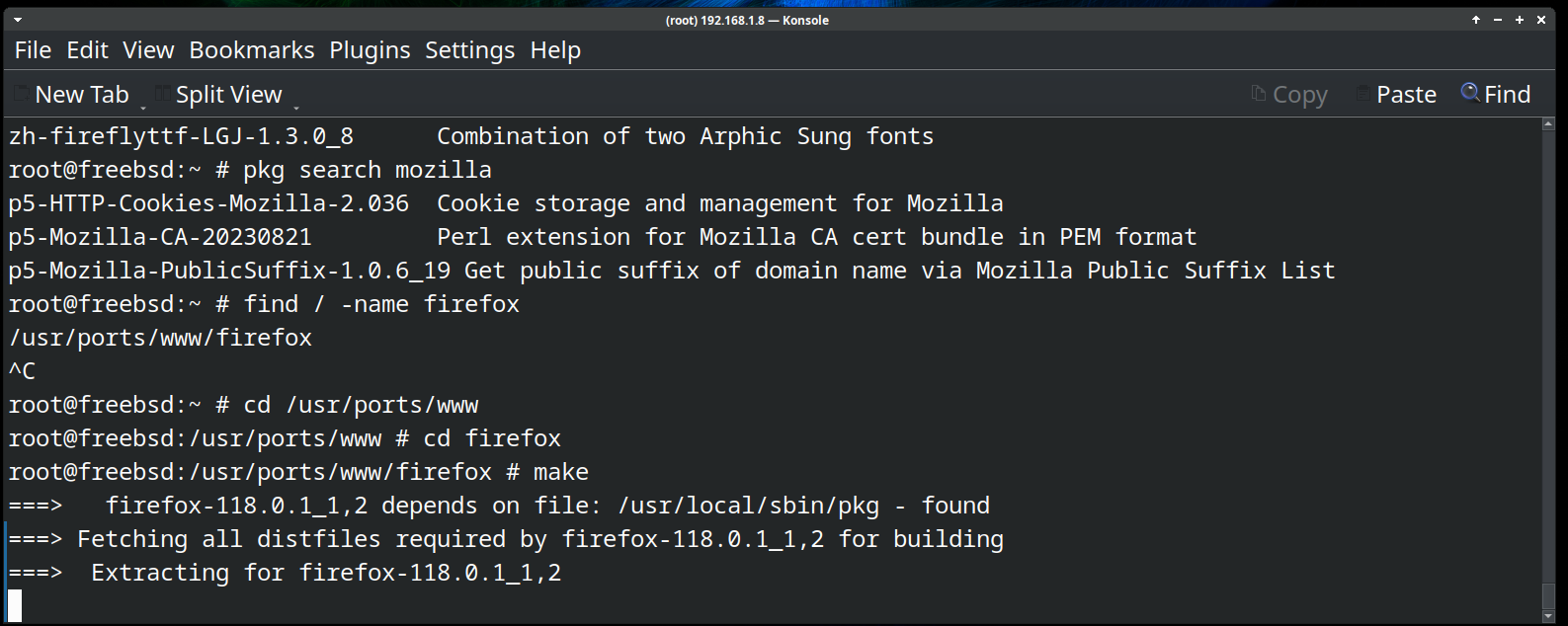
using vnode It didn't work :

Code:
# make

===>   firefox-118.0.1_1,2 depends on file: /usr/local/sbin/pkg - found
===> Fetching all distfiles required by firefox-118.0.1_1,2 for building
===>  Extracting for firefox-118.0.1_1,2
=> SHA256 Checksum OK for firefox-118.0.1.source.tar.xz.
Oct 10 21:22:03 freebsd kernel: pid 991 (dd), uid 2 inumber 522796 on /: filesystem full
^C*** Signal 2
 
it seems yes :

Code:
# gpart resize -i 1 vtbd0s2

vtbd0s2a resized

# gpart show
=>       63  209715137  vtbd0  MBR  (100G)
         63       1985         - free -  (993K)
       2048     102400      1  fat32lba  [active]  (50M)
     104448  207618048      2  freebsd  (99G)
  207722496    1992704         - free -  (973M)

=>        0  207618048  vtbd0s2  BSD  (99G)
          0        128           - free -  (64K)
 
its not 2 disks its the fdisk/partition table and the bsd partition table
disk0s2 partition contains a number of bsd partitions which are designated by letters
traditionally xxxa is root xxxb is swap etc
so first is the fdisk partition and second is the bsd partition

anyway looks good
now growfs
 
Code:
# service growfs onestart

Growing root partition to fill device
GEOM_PART: vtbd0s2 was automatically resized.
  Use `gpart commit vtbd0s2` to save changes or `gpart undo vtbd0s2` to revert them.
vtbd0s2 resized
vtbd0s2a resized
super-block backups (for fsck_ffs -b #) at:
 11524224, 12804672, 14085120, 15365568, 16646016, 17926464, 19206912, 20487360, 21767808,
 23048256, 24328704, 25609152, 26889600, 28170048, 29450496, 30730944, 32011392, 33291840,
 34572288, 35852736, 37133184, 38413632, 39694080, 40974528, 42254976, 43535424, 44815872,
 46096320, 47376768, 48657216, 49937664, 51218112, 52498560, 53779008, 55059456, 56339904,
 57620352, 58900800, 60181248, 61461696, 62742144, 64022592, 65303040, 66583488, 67863936,
 69144384, 70424832, 71705280, 72985728, 74266176, 75546624, 76827072, 78107520, 79387968,
 80668416, 81948864, 83229312, 84509760, 85790208, 87070656, 88351104, 89631552, 90912000,
 92192448, 93472896, 94753344, 96033792, 97314240, 98594688, 99875136, 101155584, 102436032,
 103716480, 104996928, 106277376, 107557824, 108838272, 110118720, 111399168, 112679616, 113960064,
 115240512, 116520960, 117801408, 119081856, 120362304, 121642752, 122923200, 124203648, 125484096,
 126764544, 128044992, 129325440, 130605888, 131886336, 133166784, 134447232, 135727680, 137008128,
 138288576, 139569024, 140849472, 142129920, 143410368, 144690816, 145971264, 147251712, 148532160,
 149812608, 151093056, 152373504, 153653952, 154934400, 156214848, 157495296, 158775744, 160056192,
 161336640, 162617088, 163897536, 165177984, 166458432, 167738880, 169019328, 170299776, 171580224,
 172860672, 174141120, 175421568, 176702016, 177982464, 179262912, 180543360, 181823808, 183104256,
 184384704, 185665152, 186945600, 188226048, 189506496, 190786944, 192067392, 193347840, 194628288,
 195908736, 197189184, 198469632, 199750080, 201030528, 202310976, 203591424, 204871872, 206152320,
 207432768, 208713216

# gpart show

=>       63  209715137  vtbd0  MBR  (100G)
         63       1985         - free -  (993K)
       2048     102400      1  fat32lba  [active]  (50M)
     104448  209610752      2  freebsd  (100G)

=>        0  209610752  vtbd0s2  BSD  (100G)
          0        128           - free -  (64K)
        128  209610624        1  freebsd-ufs  (100G)

# gpart commit vtbd0s2

gpart: Operation not permitted
 
From geom(4):
Several flags are provided for tracing GEOM operations and unlocking
protection mechanisms via the kern.geom.debugflags sysctl. All of these
flags are off by default, and great care should be taken in turning them
on.

0x01 (G_T_TOPOLOGY)
Provide tracing of topology change events.

0x02 (G_T_BIO)
Provide tracing of buffer I/O requests.

0x04 (G_T_ACCESS)
Provide tracing of access check controls.

0x08 (unused)

0x10 (allow foot shooting)
Allow writing to Rank 1 providers. This would, for example,
allow the super-user to overwrite the MBR on the root disk or
write random sectors elsewhere to a mounted disk. The
implications are obvious.
 
Back
Top