Solved Doom emacs

I installed prelude a long time ago, not really knowing much about it and have been using it since, but would like to try Doom, but not sure how to install it.

Prelude has a simple installer which works easily enough, but with Doom i need to run
git clone --depth 1 https://github.com/doomemacs/doomemacs ~/.config/emacs ~/.config/emacs/bin/doom install


This doesn't work for me, I just get the output from git clone. The getting started guide doesn't even mention *BSD.

What am I missing?
 
This doesn't work for me, I just get the output from git clone.
[...]
What am I missing?

You are only running git clone. So the output is not surprising.

Presumably it should read:

Code:
git clone --depth 1 https://github.com/doomemacs/doomemacs ~/.config/emacs ; ~/.config/emacs/bin/doom install

Although it seems unwise to git clone right into ~/.config.
 
Yes, that is supposed to be two separate commands. The first one overwrites the existing emacs dir and the second one generates a separate doom config dir. You should move your existing emacs config elsewhere first if you care about it. I don't use emacs on FreeeBSD, but it seems to install okay in the console.

sh:
ccammack@freebsd-13:~ $ pkg search ripgrep
ripgrep-14.1.0_1               Command line search tool
ccammack@freebsd-13:~ $ pkg search fd-find
fd-find-9.0.0_3                Simple, fast and user-friendly alternative to find
ccammack@freebsd-13:~ $ pkg search emacs-29
emacs-29.3,3                   GNU editing macros
ccammack@freebsd-13:~ $ su
Password:
root@freebsd-13:/home/ccammack # pkg install ripgrep-14.1.0_1 fd-find-9.0.0_3 emacs-29.3,3
root@freebsd-13:/home/ccammack # exit
ccammack@freebsd-13:~ $ git clone --depth 1 https://github.com/doomemacs/doomemacs ~/.config/emacs
ccammack@freebsd-13:~ $ ~/.config/emacs/bin/doom install
[...]
Generate an envvar file? (see `doom help env` for details) (y or n) y
ccammack@freebsd-13:~ $ ls .config/
doom    emacs
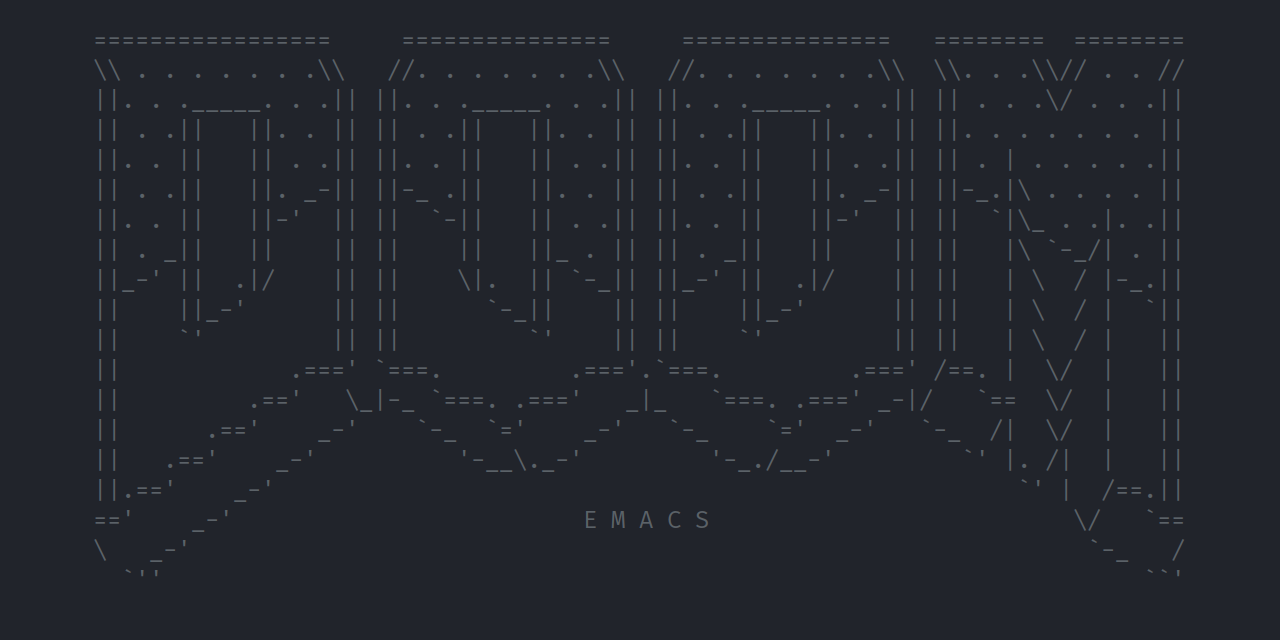
ccammack@freebsd-13:~ $ emacs
2024-05-28 09_04_13-freebsd-13 [Running] - Oracle VM VirtualBox.png
 
You are only running git clone. So the output is not surprising.

Presumably it should read:

Code:
git clone --depth 1 https://github.com/doomemacs/doomemacs ~/.config/emacs ; ~/.config/emacs/bin/doom install

Although it seems unwise to git clone right into ~/.config.
My existing emacs is in ~/.emacs.d

Once installed, I get

D-Bus error: No connection to bus, :session

/etc/rc.conf

contains:

dbus_enable="YES"
 
When trying to edit a file picked out after running C-x C-d I get

No such file or directory, /usr/local/bin/gls

Is this normal? What to do?
 
Does emacs run normally, not as a client-server?

Did you install and start dbus-daemon?

Try service dbus start

Try it manually:

sh:
eval $(dbus-launch)
export DBUS_SESSION_BUS_ADDRESS
emacs
 
Maybe you don't have a session Dbus instance?
 
Two months ago Emacs Doom and Spacemacs were unusable in my FreeBSd 14.0 desktop.

I think it was related with Nerd fonts not being correctly installed.
 
It seems that the problem occurs because I tried running Doom emacs from a command prompt, the way I can with normal emacs.

The 'dbus' problem disappears when running under xorg.

Now, I have a problem related to missing fonts, something like Fira Code...
 
Yes, that is supposed to be two separate commands. The first one overwrites the existing emacs dir and the second one generates a separate doom config dir. You should move your existing emacs config elsewhere first if you care about it. I don't use emacs on FreeeBSD, but it seems to install okay in the console.

sh:
doom    emacs
ccammack@freebsd-13:~ $ emacs
I had to start again from scratch to follow your example. Did you need to do anything else to get the initial Doom screen, because I don't see it.

Did you need to run doom sync ?

Does it matter which directory you run emacs from? I've cleared out my original ~/.emacs.d so don't know how init.el is picked up.
If I simply run emacs, it doesn't seem to incorporate any Doom element.

Also am not sure whether to run from a command prompt or from within X.
 
I had to start again from scratch to follow your example. Did you need to do anything else to get the initial Doom screen, because I don't see it.

No, I had a nearly stock VM without emacs and entered the commands I listed above. I did not run doom sync.

Did you install the executables as root (#) and configure doom as a regular user ($)?

After you run doom install, the doom-related init.el file will be inside .config/doom.

You can see the message log using C-h e inside emacs.

Emacs will look in several places to find the config. You can use C-h v user-init-file inside emacs to see where.

Did you try running ~/.emacs.d/bin/doom doctor to see if there are any error messages?
 
Emacs will look in several places to find the config. You can use C-h v user-init-file inside emacs to see where.

Did you try running ~/.emacs.d/bin/doom doctor to see if there are any error messages?

I have cleared out my ~/.emacs.d so am not sure how to invoke Doom emacs.

Just running emacs simply starts normal emacs. I don't see any instructions for including any of the Doom configuration.

Obviously missing something...
 
Not sure what "cleared out" means, so rename (or delete) ~/.emacs.d to ~/.emacs.d.old to make sure emacs doesn't try to use it.

Run emacs and enter Ctrl-h v user-init-file inside emacs to see where it expects the init file to be.

Newer versions of emacs store the config under ~/.config/emacs by default; older versions use ~/.emacs.d. Either one will work, but there's a priority order.
 
Last edited:
Not sure what "cleared out" means, so rename (or delete) ~/.emacs.d to ~/.emacs.d.old to make sure emacs doesn't try to use it.

Run emacs and enter Control-h v user-init-file inside emacs to see where it expects the init file to be.

Newer versions of emacs store the config under ~/.config/emacs by default; older versions use ~/.emacs.d. Either one will work, but there's a priority order.
I had deleted all the files under ~/.emacs.d but the directory remained, which is what caused the problem, so many thanks for persevering with me.

Now that I have it working I need to figure out how to use it...
 
Not sure what "cleared out" means, so rename (or delete) ~/.emacs.d to ~/.emacs.d.old to make sure emacs doesn't try to use it.

Run emacs and enter Ctrl-h v user-init-file inside emacs to see where it expects the init file to be.

Newer versions of emacs store the config under ~/.config/emacs by default; older versions use ~/.emacs.d. Either one will work, but there's a priority order.
In trying to make the transition to Doom emacs, I'm trying figure out how I can keep my original configuration whilst being able to launch Doom emacs, but it's not clear how this can be done. The old config can be used simply by running emacs. It appears to be possible to start Doom emacs by running emacs -q -l ~/.config/doom/init.el

but this doesn't work for me. I get:-

Symbols function definition is void: doom!
 
Back
Top