

Just installed Comfyui using Podman with Cuda support

 github.com
Have to installs some models next to try everything out
takes a while to download the models

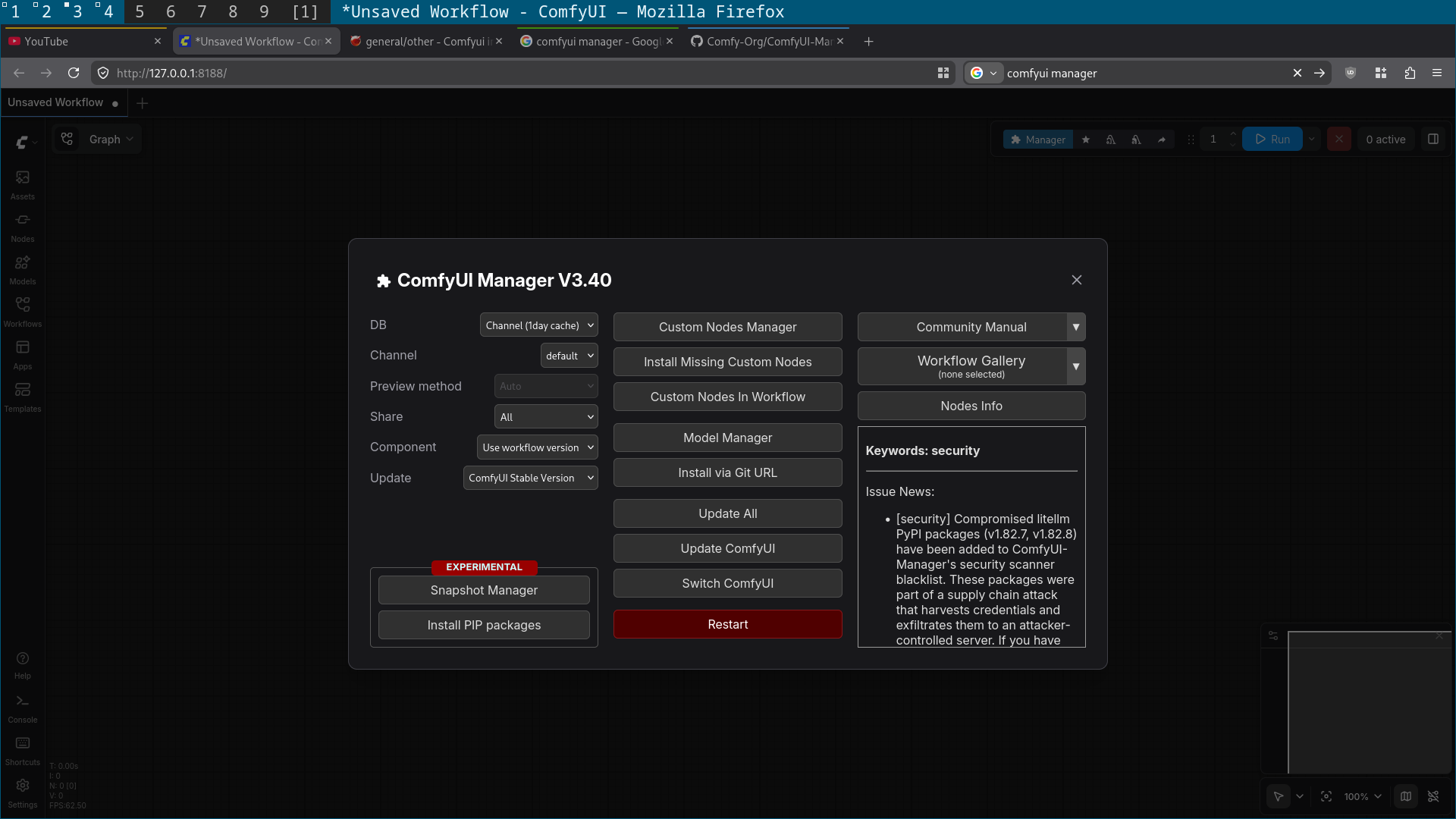
Also installed the Comfyui manager
 github.com
GitHub - Comfy-Org/ComfyUI: The most powerful and modular diffusion model GUI, api and backend with a graph/nodes interface. The fastest local inference engine in the world.
The most powerful and modular diffusion model GUI, api and backend with a graph/nodes interface. The fastest local inference engine in the world. - Comfy-Org/ComfyUI
github.com
Have to installs some models next to try everything out
takes a while to download the models
Also installed the Comfyui manager
GitHub - Comfy-Org/ComfyUI-Manager: ComfyUI-Manager is an extension designed to enhance the usability of ComfyUI. It offers management functions to install, remove, disable, and enable various custom nodes of ComfyUI. Furthermore, this extension prov
ComfyUI-Manager is an extension designed to enhance the usability of ComfyUI. It offers management functions to install, remove, disable, and enable various custom nodes of ComfyUI. Furthermore, th...
github.com