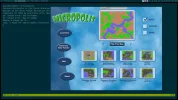
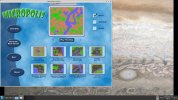
I cannot get Micropolis up and running on my 15.0 Release. I git cloned
https://github.com/interkosmos/micropolis but when I tried to make it, I got a series of warnings about tcl source and an error. Also used gmake per the README.md to no avail.
I also tried cloning
https://github.com/Zirias/zfbsd-ports/tree/local/games/micropolis-fbsd but git can't find the repository.
Anyone know how to help me get this installed? I'll share my shell commands if helpful.
https://github.com/interkosmos/micropolis but when I tried to make it, I got a series of warnings about tcl source and an error. Also used gmake per the README.md to no avail.
I also tried cloning
https://github.com/Zirias/zfbsd-ports/tree/local/games/micropolis-fbsd but git can't find the repository.
Anyone know how to help me get this installed? I'll share my shell commands if helpful.