Solved Rocky Linux 9 minimal jail working, need to figure out the next steps

Speaking of which, do you have any hardware recommendations for a desktop computer with Nvidia GPU to run FreeBSD?

All my current FreeBSD hosts are headless servers with no dedicated GPU.

Would be nice to have a FreeBSD desktop computer again. A modern, 2024 strength desktop computer with FreeBSD.
 
hi mate

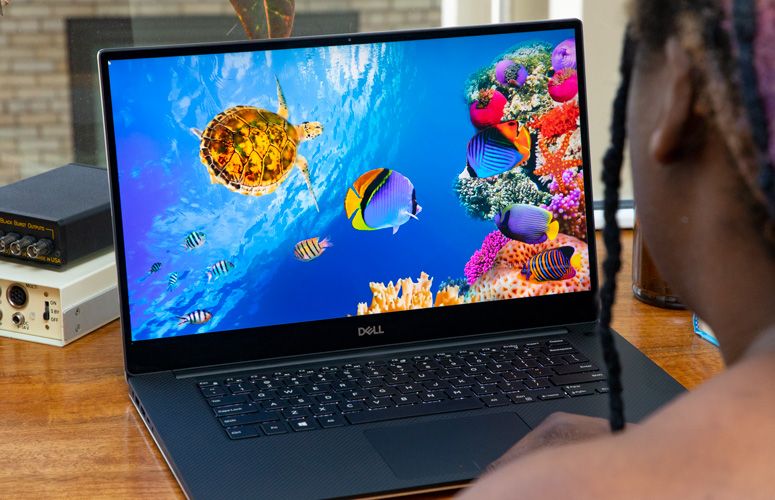
im using a dell xps 15 2019


using the nvidia 550 driver with libc6-shim for cuda with obs studio and handbrake

everything works except the wifi

i was a mac user for over 20 years and this is the best computer i have owned
 
The final repo you mentioned that you might create

yes thats the repo i created for running davinci resolve in a rocky linux jail

 
rl9 minimal install doesnt come with dnf, gzip or it will fail downloading things with wget (even that is included???)

What are the steps to make it "work", will like to
wget https://developer.download.nvidia.com/compute/cuda/13.2.0/local_installers/cuda_13.2.0_595.45.04_linux.run

and see if I can compile some cuda things maybe from inside
doas chroot /compat/linux /bin/bash

Also if I download the localfile in freebsd and run it inside rl9, it says it doesnt have enough space (not sure why).

Code:
bash-5.1# sh cuda_13.2.0_595.45.04_linux.run
Extraction failed.
Ensure there is enough space in /tmp and that the installation package is not corrupt
Signal caught, cleaning up

ok, got a way to install gzip... but then did the same for microdnf and got this

Code:
~/Downloads $ cd /compat/linux/
/c/linux $ rpm2cpio < ~/Downloads/microdnf-3.9.1-3.el9.x86_64.rpm | doas cpio -id
249 blocks
/c/linux $ doas chroot /compat/linux /bin/bash
bash-5.1# microdnf 
microdnf: error while loading shared libraries: libpeas-1.0.so.0: cannot open shared object file: No such file or directory

 
Back
Top